
Create an online store in Malaysia
Sell in ringgit with your own shop link. Take DuitNow QR payments or WhatsApp orders, set delivery rates by destination, and offer local pickup.
Create your store for free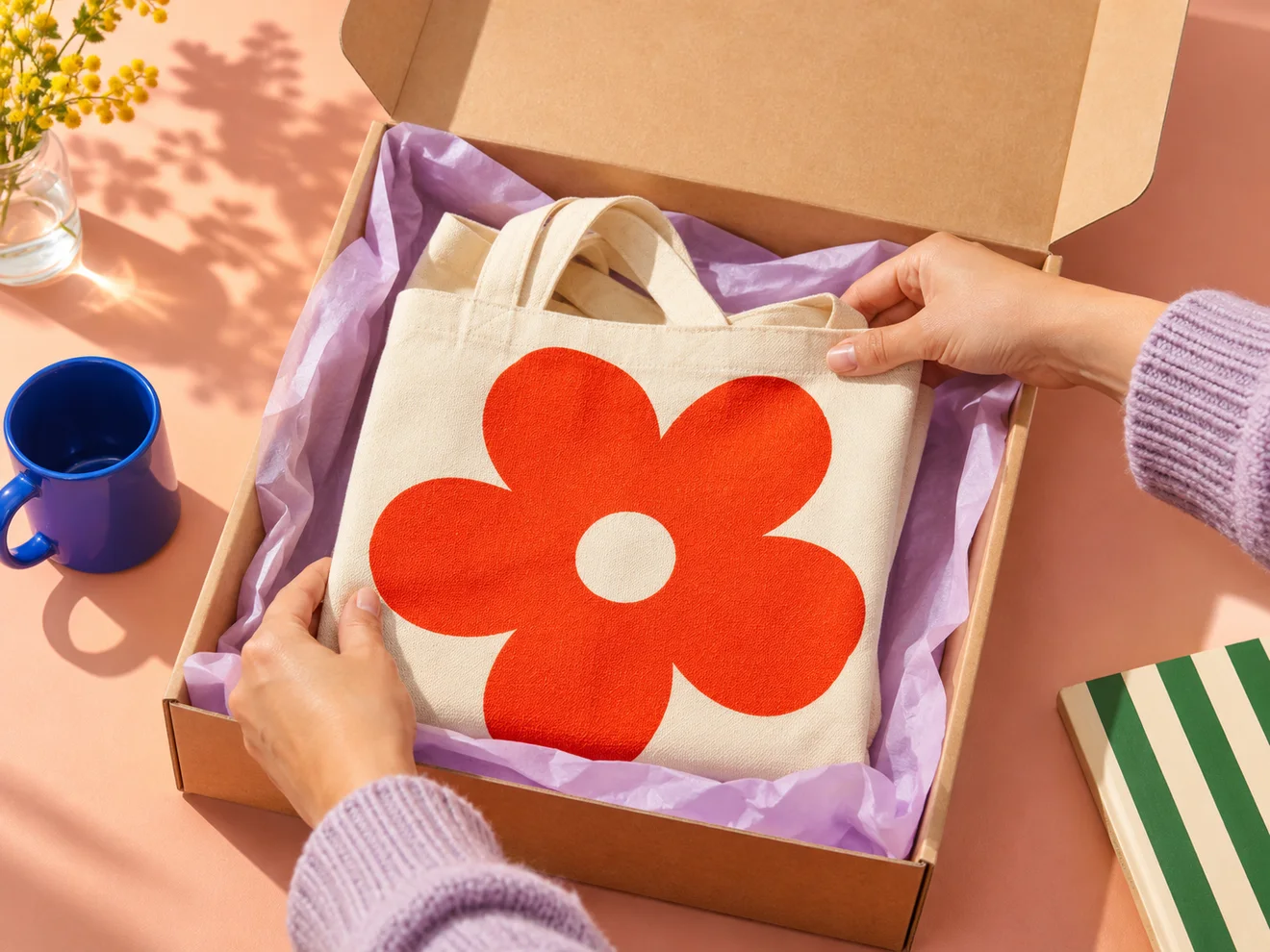
A storefront for the way you sell in Malaysia
- Set up your shop in MYR
Add products, prices in ringgit, and the stock you have on hand. Publish your storefront and share your shop link from Instagram, WhatsApp, or printed materials.
- Choose how customers order
With manual payments, you can show your merchant DuitNow QR and check each deposit before confirming it. With WhatsApp ordering, you receive the order details in Storeful and customers can follow up using their order reference. Eligible sellers can also connect Stripe for card checkout.
- Set delivery rates and offer pickup
Set domestic delivery rates by state or postcode. For example, charge one rate for Selangor and another for Sabah, or offer pickup in Petaling Jaya. Customers see the applicable charge before placing their order.
Keep selling after the market closes
Say you sell printed totes at a weekend market in Kuala Lumpur. Put your shop link on a card at the stall. Someone who wanted to think about it can open the same listing at home, see which designs are still in stock, and check the total in ringgit. If you sell a few more bags in person before packing up, update the shop’s stock so it reflects what you have left.
If most customers already pay you with DuitNow QR, use bank transfer checkout to give them the amount and your merchant QR after they place the order. If you usually agree on collection times in WhatsApp, choose WhatsApp ordering. The buyer can submit a request with pickup selected and then message you with the reference to arrange a time.
A DuitNow QR order, from payment to review


A WhatsApp request, from buyer to Orders

