
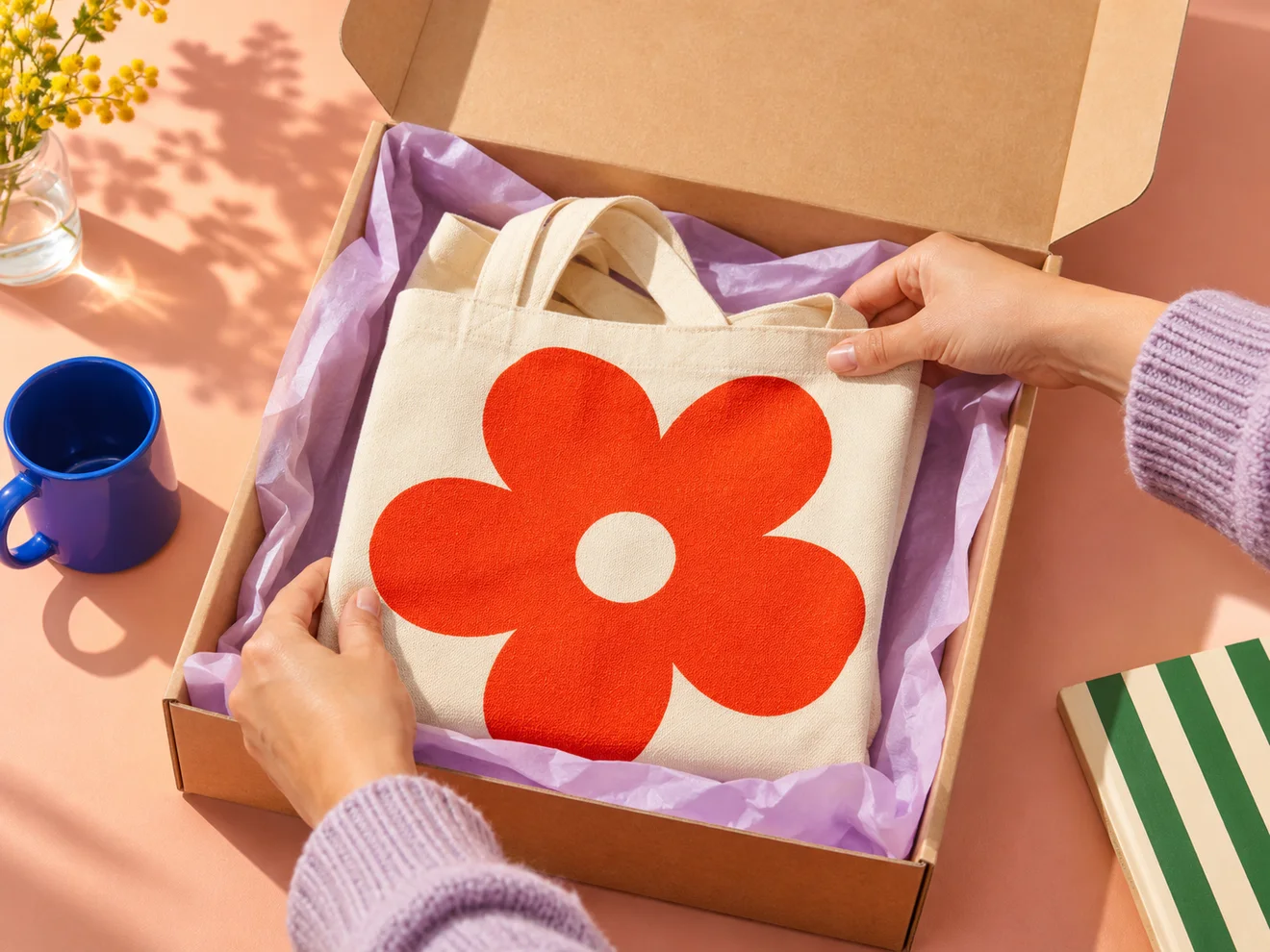
Choose your first product
Pick something you already know how to make or source, with a price you can explain and enough stock to fulfill your first few orders. If you make several related products, lead with the one people already ask you for.
Make a short product sheet before building the shop. Write down the cost per unit, quantity available, available options, dimensions, and packed weight. You'll use the same notes to make the listing, price it, and set a delivery rate.
Give your store a name and a look
Choose a name you can say out loud, spell over a phone call, and fit on a shipping label. Use that name consistently on your storefront, packaging, and social profiles.
Pick a storefront theme that suits your photographs. A simple layout helps buyers see what you sell and where to click. Most of the first impression will come from your product photos, so start with one consistent backdrop and even light.
Build a product page
Add a descriptive name, price, and your strongest photo. Include a second angle or an in-use photo. Buyers should be able to work out size, materials, care instructions, and exactly what arrives from the information on the page.
Add options only where the shopper needs to make a choice, such as color or size. Count your stock and assign it to the actual options on offer. If there are four red totes and two blue totes, enter those quantities separately.
Set up payments and delivery
Choose how shoppers finish an order. Connect Stripe for card payments, write payment instructions for direct transfers, or add the WhatsApp number you use to take orders.
Choose where you're ready to ship and set a delivery rate or offer local pickup. Shoppers see the delivery charge before they pay or submit a WhatsApp order request.
Write a short delivery policy with your usual dispatch time and a return policy with instructions for getting in touch. Give customers a contact email that you check regularly. Confirm the tax settings that apply to your business before you publish.
Publish and share the link
Preview the store on your phone. Open a product page, add a product to the bag, and follow your ordering path. For a live test, check the private transfer link, submit a request and try the WhatsApp follow-up, or reach Stripe checkout, depending on your setup.
Send the link to a few people who have bought from you or asked about your products. Ask them to find a specific item and tell you where they paused. Clear up those questions on the product page before sharing more widely.