
Accept DuitNow QR payments in your online store
Use the merchant DuitNow QR you already have for bank transfer checkout. Shoppers get your QR and the order total in a private link, then upload their receipt for you to review in Orders.
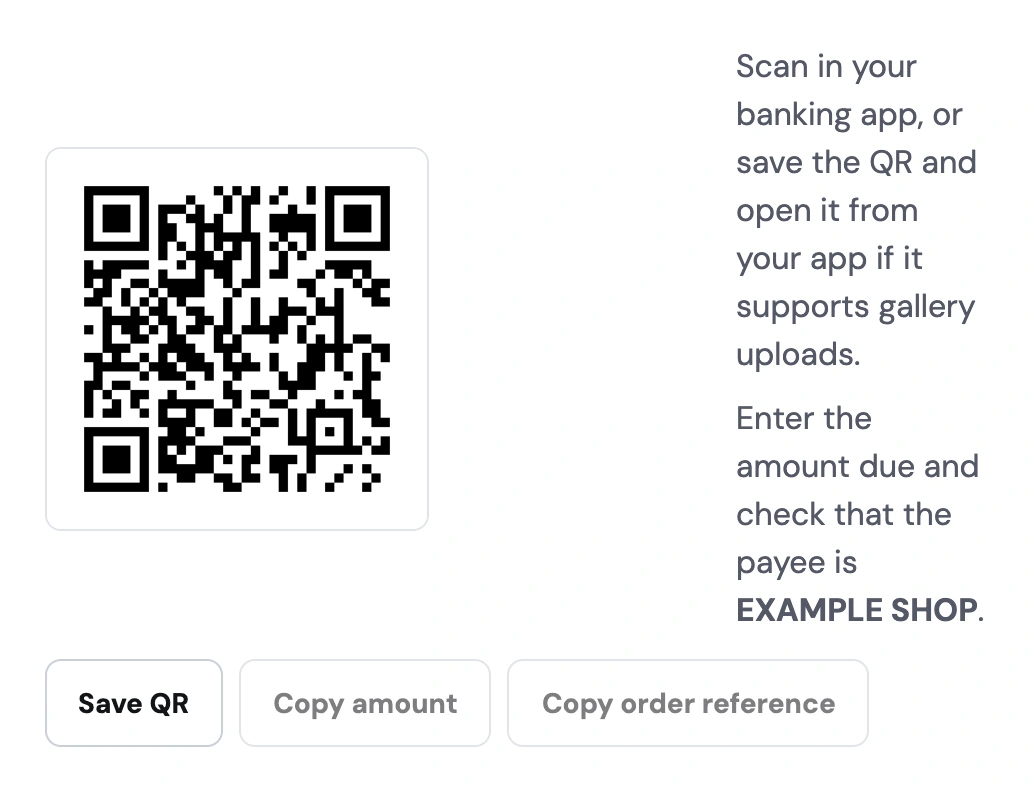
Use your market-stall QR for online orders
At a market, you can tell a customer the amount and point them to your QR. Online, they need that information after they’ve chosen what to buy and where to receive it. Storeful shows the merchant QR alongside the locked MYR total in each customer’s private payment link. If they can’t use the QR on their phone, they can use the bank details you’ve added and upload their receipt from the same page.
From your merchant QR to a confirmed order
Add your merchant QR in Settings
Set your store to Malaysia and MYR, then choose bank transfer checkout. Upload the reusable merchant QR from your bank or e-wallet and add your transfer details as a fallback.
Give each buyer a private payment link
Shoppers place an order to hold their items and see the amount due. They can scan the QR in a participating bank or e-wallet app or save it if their app can open QR images from the gallery. After paying, they upload their receipt from the same link.
Check the deposit and confirm payment
Open the order and match the receipt to the money you received in your bank or e-wallet. Confirm payment in Storeful, then pack the order for delivery or get it ready for pickup.
A DuitNow QR order, from payment to review


Check the payment flow on the phone your buyer will use
Use the reusable QR issued for your business
For a Malaysian shop selling in MYR, upload your reusable merchant QR in Settings and enter bank transfer details as a fallback. Open a sample order to check that the payee is recognisable. The customer uses the amount shown on their order when paying the reusable QR.
Give buyers a way to pay on one device
A shopper can save the QR and open it from a participating banking or wallet app that supports gallery uploads. They can copy the amount and order reference while switching apps. When gallery uploads are unavailable, the bank transfer details on the same page give them another way to pay.
Check the right amount before packing
Use the order total, including any delivery charge, to match the deposit. The buyer uploads proof through their private link and you review it in Orders. Confirm only after checking the money arrived. A proof uploaded after the stock hold also calls for an inventory check before approval.
Take orders after a weekend market
A stationery seller shares their shop link with customers at a market. On Monday, a shopper orders a notebook for RM38, pays with the shop’s DuitNow QR, and uploads the receipt. The seller verifies the deposit before setting the notebook aside for pickup.