
Sell Products From Your Instagram Bio
Put a Storeful shop link in your Instagram bio. Give followers a catalog to browse, collect orders, and let buyers check out online or follow up on WhatsApp.
Create your store for free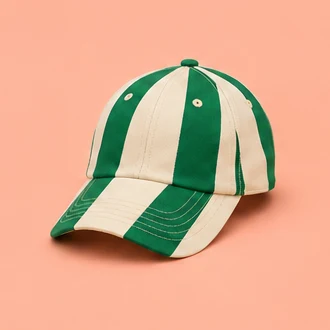
Give followers a place to buy.
- Start with the things people ask for
List the products you post about most. Add size, price, stock, and delivery details so people can choose what they need.
- Add your shop to your bio
Add a short shop address that matches the name followers see on your profile. Share a direct product link in a story or message when the conversation is about one item.
- Choose where to finish the sale
Collect an order request in Storeful and let the buyer follow up on WhatsApp. To collect payment through checkout, choose bank transfer or Stripe when setting up your shop.
Make a post easy to shop a week later
Your new cap gets a lot of replies. A week later, someone opens the post and asks if you still have it in their size. Keep the main shop link in your bio and send the cap’s product link when you reply. They can see the available sizes and price on the listing, even if the post is older than the current batch.
If you like confirming orders in chat, let the shopper submit the size, quantity, and delivery or pickup choice in the storefront first. Their reference gives you something to look up in Orders when they message. You can check the details before confirming and keep the conversation for questions that need a personal reply.